
Connect Coosto to your own systems
With Coosto's API integrations, you can make social data directly usable in your own dashboards, systems, and workflows. This reduces manual export work and ensures that reporting, analysis, and follow-up activities fit better with the way teams work every day.
- Save time on reporting
- Combine data centrally
- Automate data flows
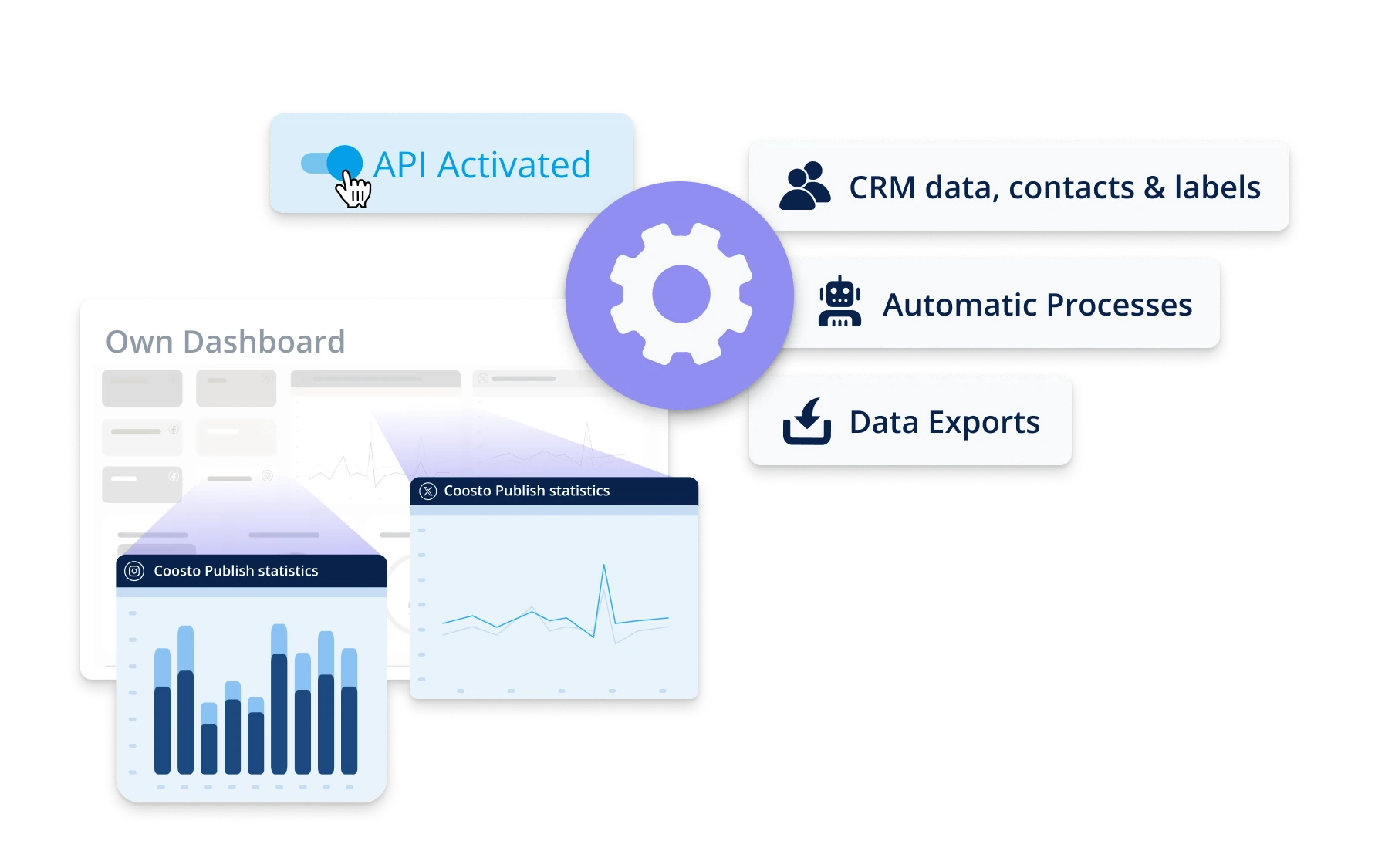
Bring separate data sources together in one integrated overview
Thanks to our API integrations, you can exchange data between Coosto and the systems you already use. This prevents insights from being fragmented across different tools and makes them immediately available for dashboards, analyses, and workflows. This is relevant for organizations that want to include social data structurally in their reporting and day-to-day management.
APIs within Coosto
Engage
- Connect social interactions directly to your CRM or helpdesk.
- Give employees more context during customer interactions.
- Automate follow-up actions based on incoming messages.
Publish
- Bring Publish statistics directly into your own dashboards.
- Combine content data with broader marketing insights.
- Reduce manual work in reporting and analysis.
Listen
- Make Listen data directly available for your own analyses.
- Connect online signals with other data sources.
- Use Listen data in your own software or dashboards.
From data to immediate actionability

Combine social media performance with marketing data
Use data from Coosto in Power BI, Data Studio, or Tableau to analyze campaigns, content, and reach in a unified way.

Enrich customer profiles with social interactions
Make messages, labels, and interactions available in your CRM or helpdesk so that teams have more context when communicating with customers.

Work without manual exports
Automate data flows between Coosto and your own systems and save time on reporting and analysis.

Build workflows that fit your organization
Connect Coosto to your existing processes so that data reaches the right place faster and teams can work more efficiently.
From data to immediate actionability
Combine social media performance with marketing data
Use data from Coosto in Power BI, Data Studio, or Tableau to analyze campaigns, content, and reach in a unified way.
Enrich customer profiles with social interactions
Make messages, labels, and interactions available in your CRM or helpdesk so that teams have more context when communicating with customers.
Work without manual exports
Automate data flows between Coosto and your own systems and save time on reporting and analysis.
Build workflows that fit your organization
Connect Coosto to your existing processes so that data reaches the right place faster and teams can work more efficiently.

On social media, we want to reach our residents as effectively as possible. Partly thanks to Coosto, our reach has grown enormously: our number of followers rose by 49.7% on Facebook and even by 77.3% on Instagram.
Use your integrations in your daily work

Listen
Follow online conversations and developments for further analysis or follow-up.




Discover
Discover topics and content that are gaining popularity as input for your own content.
Discover how Coosto fits into your reporting or data environment
During a personal demo, we show you the integration options that Coosto offers for your dashboards, CRM, or software environment. This allows your social data to be quickly used for reporting, follow-up actions, and analysis.
During a demo you will see, among other things:
- Insight into which integration best fits your situation
- Clarity about integration possibilities with your current systems
- Concrete options for reporting, synchronization, and automation
Frequently asked questions
What is the difference between an API and a webhook?
With the API (pull), your own system makes a call to retrieve data from Coosto. A webhook (push) works the other way around: Coosto automatically sends data to your system as soon as a trigger occurs, for example a new message.
Can I connect Coosto to my CRM, such as Salesforce?
Yes. For Coosto Engage, you combine a webhook and the API for (near) real-time connections with CRM systems such as Salesforce. If a customer first leaves a message in Engage and then calls, that context is immediately visible to the service employee.
Can I use Engage data for reporting in my own system?
Yes. With the Engage API, employees keep working in Coosto, while reporting and analysis take place in your own system.
Can I retrieve Listen data for my own software?
Yes. With the Listen API, you retrieve Listen data for your own software environment, for example for reporting or analysis, and connect online signals with other data sources.
Can I use Publish data in Looker Studio or Power BI?
Yes. With the Publish API, you retrieve Publish statistics for your own system or dashboard, such as Looker Studio, Power BI, or Tableau.
Which API connection fits my organization?
That depends on your systems and what you want to do with the data. During a personal demo, we discuss which integration fits your situation and which options are available for reporting, synchronization, or automation.