Board reporting
Show the board how communication is performing and which online developments need attention. Compare relevant data, add your interpretation and substantiate which approach you want to continue or adjust. That way you give the board not just figures, but also the context behind your communication advice.

- Compare results
- Support your advice
- Share periodically
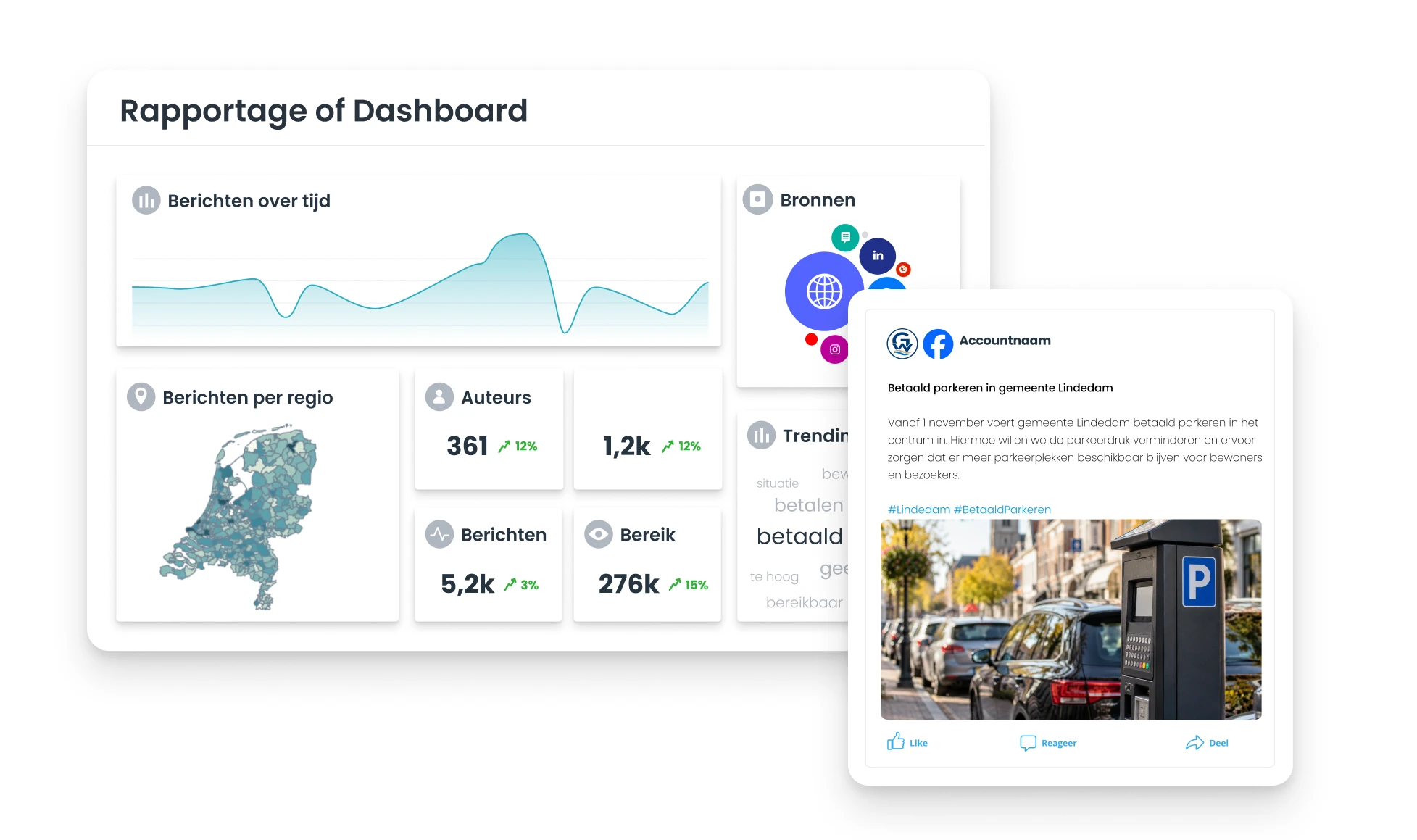
Show what the board needs to know
A campaign has ended or the next board report is planned. You have figures on reach, interactions and clicks. At the same time, a topic can trigger many reactions online. High reach alone doesn't tell you whether the message was understood, and a peak in reactions doesn't yet explain what is going on. By putting figures next to the substantive context, you decide which developments deserve the board's attention and prevent isolated figures from determining the conclusion.
Support choices with results and context
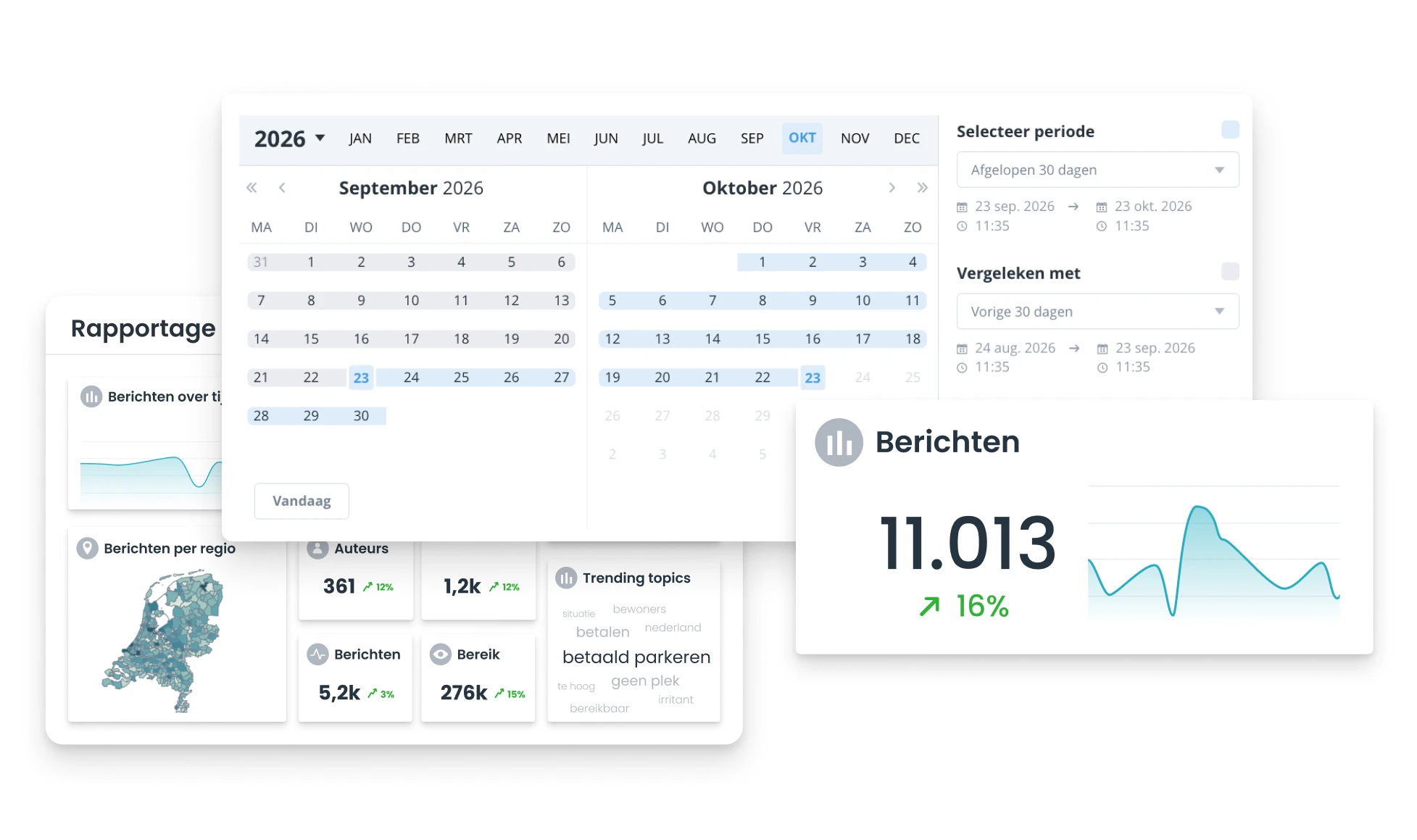
In Coosto, compare the performance of campaigns and channels with earlier periods and follow the KPIs you have set. For notable online developments, also look at the content of posts. That way you can see, for example, whether questions about implementation, criticism of the message or other topics come up. This lets you substantiate not only what happened, but also why you advise continuing an approach, adjusting it or investigating it further.
Save time with recurring reports
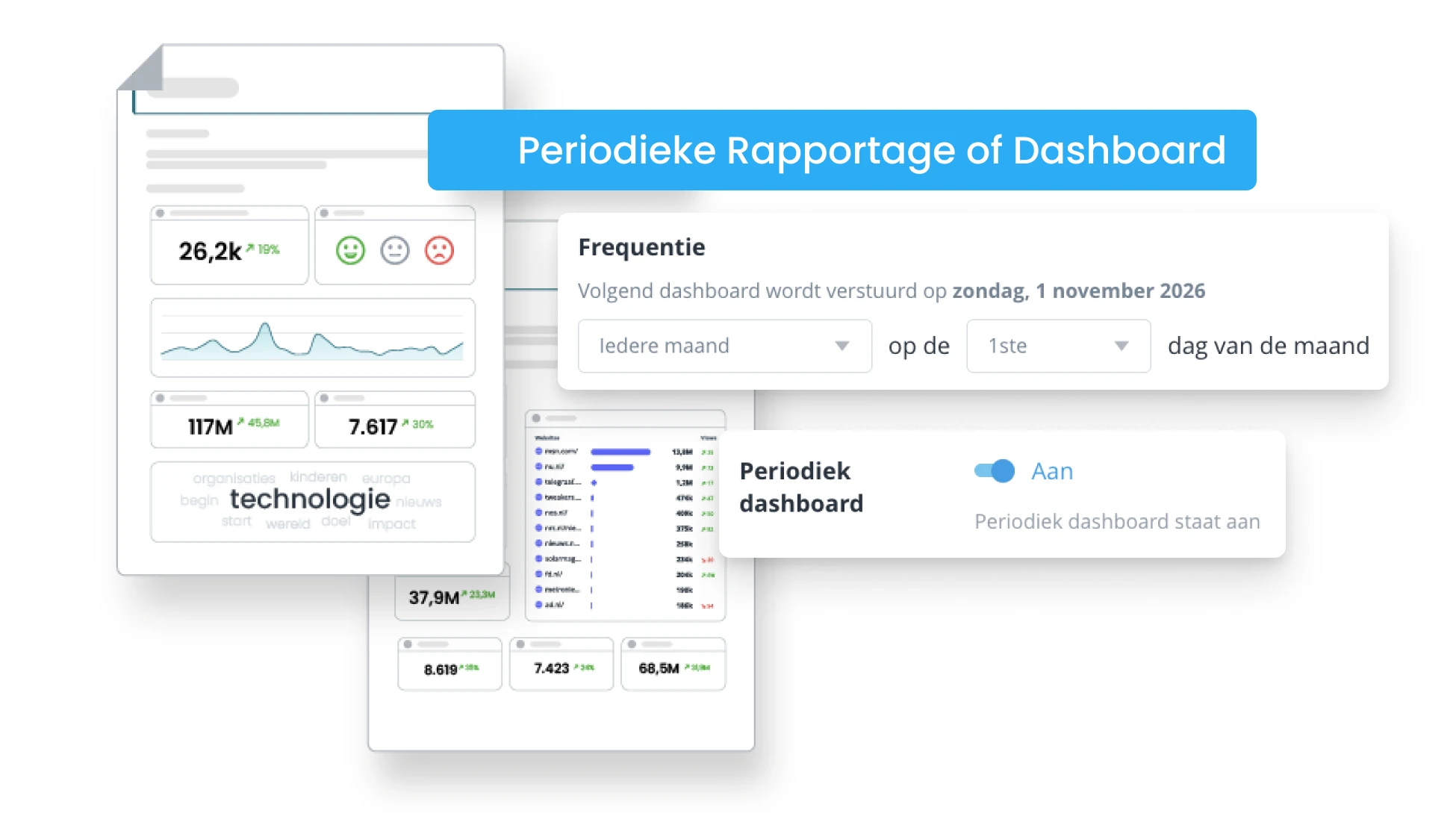
In Coosto Report, set up a dashboard with the data and widgets that fit your information question. Use Listen searches when you also want to include online developments. Choose which data is relevant, add your explanation and share the report via email or a link. For recurring reports, set up periodic sending. That way you don't have to compile the same report from scratch every time and keep more room for interpretation and advice.
Tips
These features support your board reporting

KPI management
Set KPIs and follow how results relate to your goals, so you can explain deviations in a targeted way.

Periodic reports
Schedule recurring reports and make sure stakeholders receive the same key information at fixed moments.

100+ widgets
Choose the data that fits your information question and focus the report on what is relevant for the board.

Export and share
Download your report or share it via a link or email, without having to compile the same data manually again.
Turn data into a story the board can use
Bring your reporting question to the demo. Together we look at which data is needed and how you bring it together in Coosto. You see how to set up a dashboard around your information question, compare results and share reports. That gives you a concrete picture of how to go from isolated figures to a board-ready report with context and interpretation.
During a demo we show you:
- Setting up a dashboard around agreed KPIs.
- Comparing results of campaigns and channels.
- Making online developments visible with Listen data.
- Sharing reports and setting up periodic sending.
Frequently asked questions
Which data can I include in my report?
Depending on the Coosto products you use and the available sources, you can report on social media performance, online developments and webcare. Think of reach and interactions, posts around a topic, or response time and handling. Availability differs per channel and source. That way you can focus the report on the data needed to answer a specific board question.
How do I choose KPIs for a report to the board?
Start with the question the board wants the report to answer and with the agreed communication goals. Then choose measurable indicators that fit, and record which period and comparison you use. For topics such as understanding or public support, reach and interactions alone are not enough. By deciding in advance which question the figures should help answer, you prevent the report from becoming a collection of isolated KPIs.
Can I view website data alongside social media figures?
Yes. With the GA4 integration you can view social media performance alongside website traffic and conversions. Which conclusions you can draw from it depends on how your measurement and attribution are set up. A measured conversion does not in itself prove that social media caused it. Looking at both data sources side by side does give you extra context for assessing communication performance.