Use existing content as a foundation for new communication

Public organisations and semi-public bodies regularly communicate about similar topics and situations. Think of changes to services, public announcements, campaigns, events or other recurring updates.

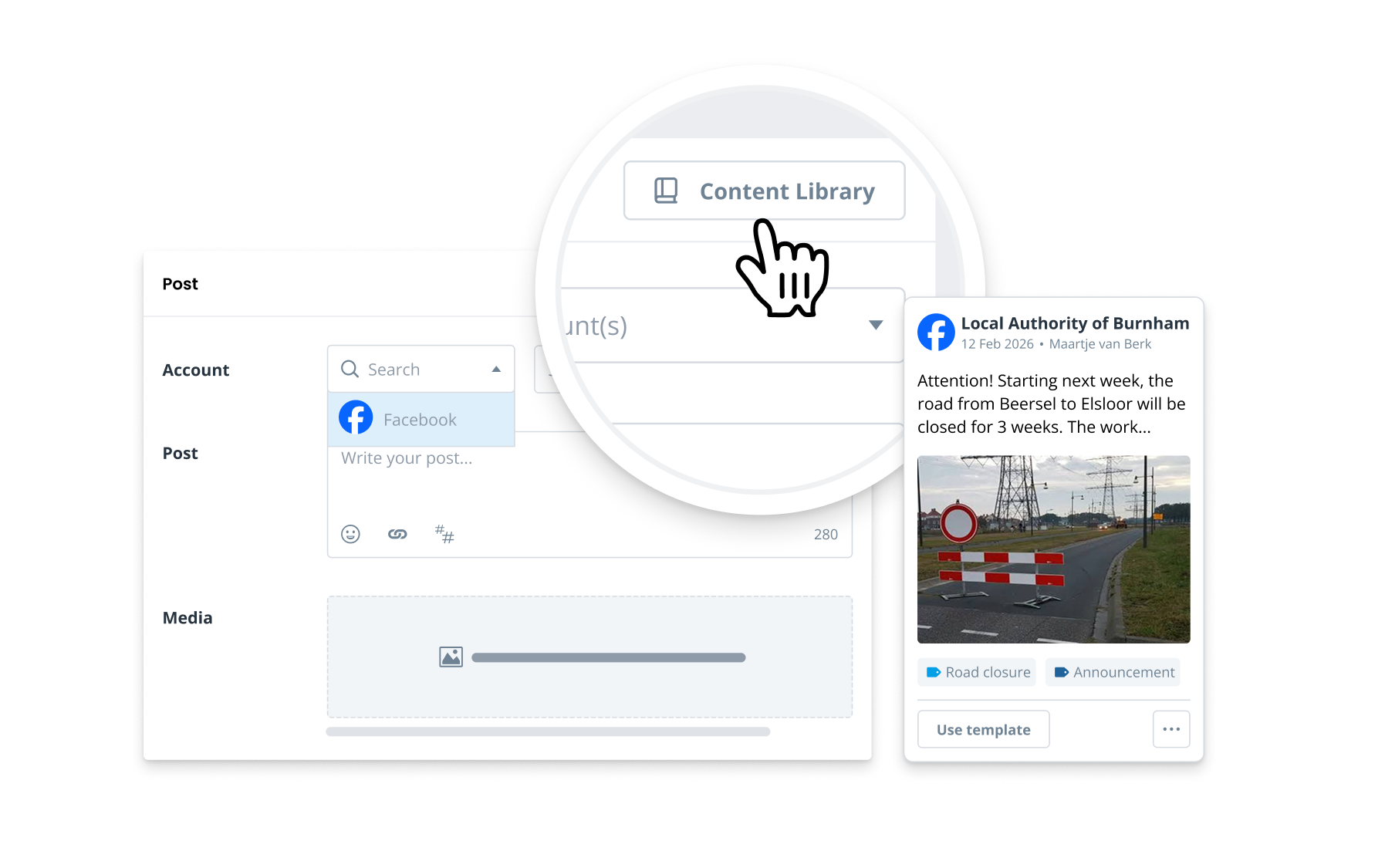
With the Content Library, teams can turn existing posts into reusable templates.This allows teams to build on content that already exists, reduce repetitive work and create new content faster.

As a result, they can focus more on the information that is relevant to their audience and environment.

One shared content foundation across teams

Different stakeholders and audiences respond to different messages. A message about a road closure, for example, may need different wording and details for local residents, commuters, businesses or visitors. With Content Library, teams can use an existing template as a starting point and adapt the text, media and other relevant details to fit their audience, location or situation. The original template remains available for others to reuse.

This gives teams the flexibility to create relevant communication for their own audiences, while building on content and formats that are already established and proven within the organisation.

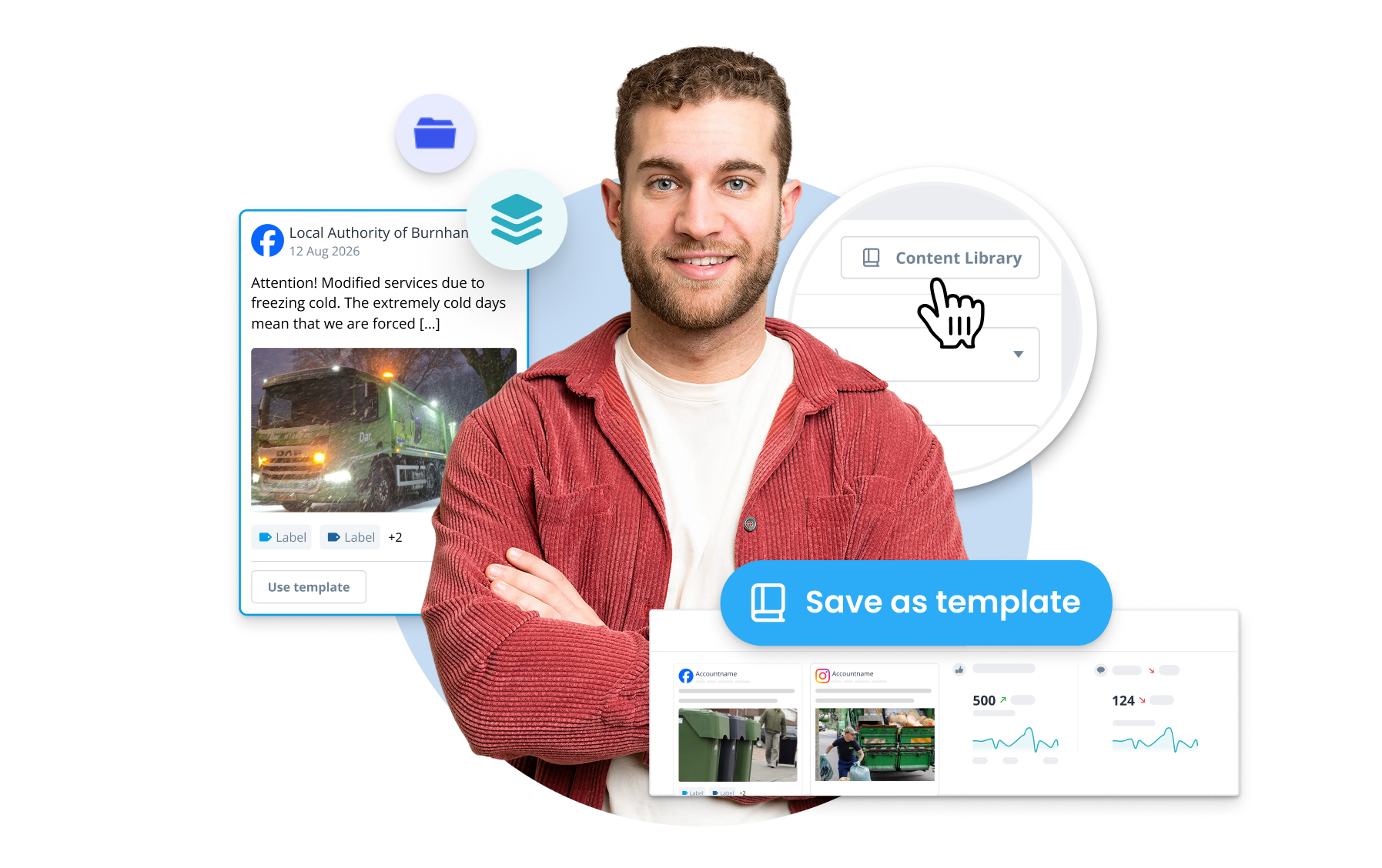
Turn successful content into shared organisational knowledge.

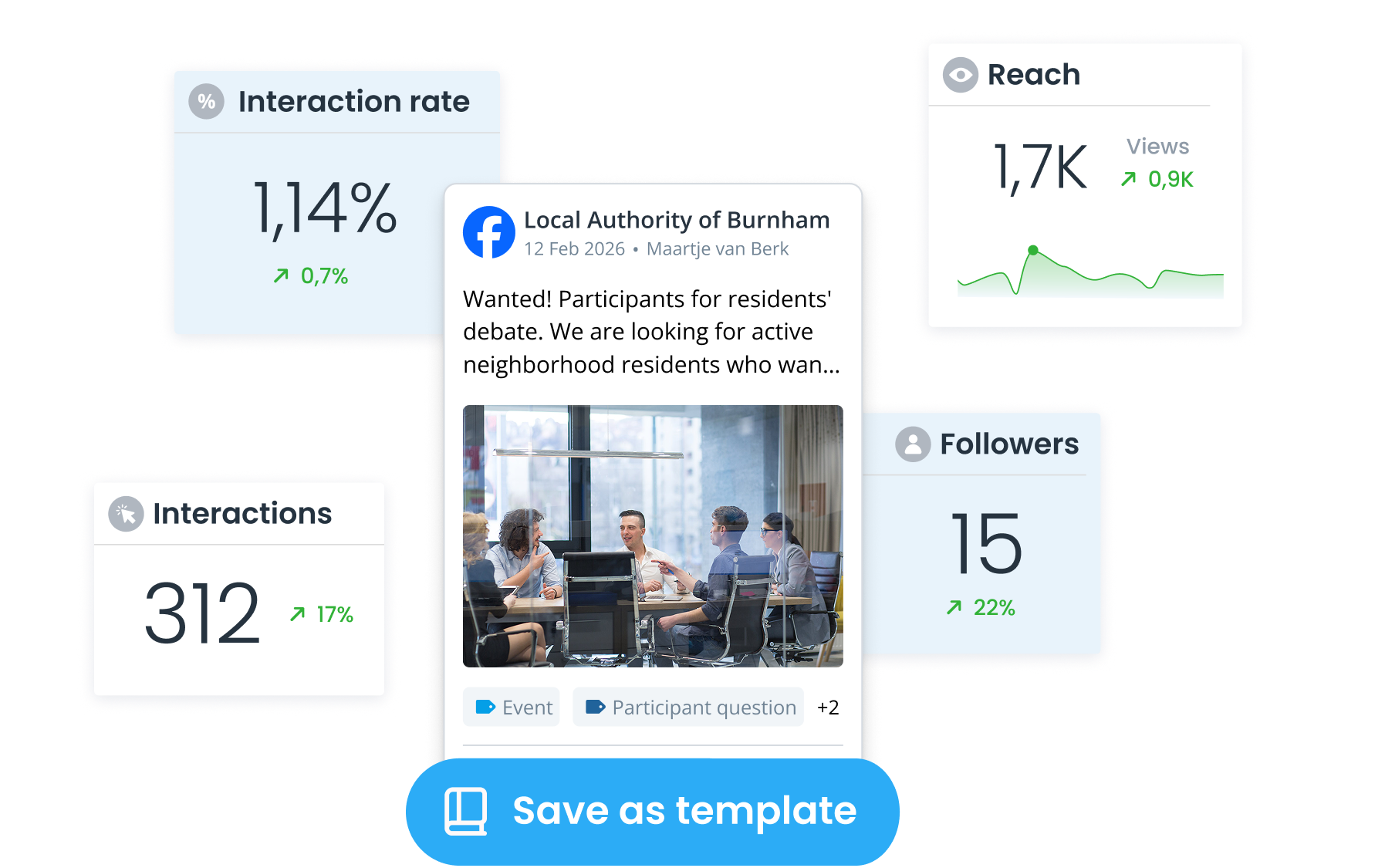
A successful campaign, announcement or social media post does not have to stay within one team or project. But when these templates are not easy to share, other teams may never benefit from what has already proven effective. With Content Library, teams can save successful content as a template and make it available to others. Teams can find existing formats, reuse them and adapt them to their own communication.

This helps organisations build on what works and replicate successful approaches across teams, rather than having each team develop its own approach from scratch.

How Content Library supports your content process

Chat

Build on content that already works

Reuse previous posts as a starting point and avoid having teams start from scratch every time.

Klok

Bring structure to recurring communication

Use fixed templates for updates, announcements and campaigns that come back regularly.

Lijst

Find and manage templates in one central place

Keep templates organised centrally and filter by project, platform, author, label or date.

Gloeilamp

Create variations from a consistent base

Adapt content for a different moment, project or audience while keeping the original template intact.

View Coosto Publish

See how Content Library can work across your organisation

Do multiple teams or departments create social media content within your organisation? During a demo, we'll show you how teams can create, organise and use templates in Coosto.

You'll see how to:

turn existing posts into templates;

create templates for recurring communication;

find and reuse templates;

adapt a central format for a different audience or situation.

Email address
Request a demo →

Frequently asked questions

  • What is Content Library in Coosto Publish?

    Content Library is a shared central environment where teams can create, share and reuse social media content as templates. This allows existing posts, media and formats to serve as the starting point for new content.

  • What is included in a template?

    A template can include text, media and relevant platform settings. This gives teams a ready-made format to work from while still allowing them to edit the content before scheduling or publishing.

  • How can I find templates?

    You can search and filter templates by project, platform, author, label and date.

  • Can I share templates with specific projects or users?

    Templates can be shared within the current project or across the entire organisation. Sharing with a specific selection of projects or users is not available.

  • Can I edit a template before publishing?

    Yes. When you use a template, Coosto creates a new post. That post remains fully editable before you schedule or publish it.

  • Do posts remain linked to the original template?

    No. When you use a template, a new post is created. Changes to the original template are not automatically applied to posts that were previously created from it.

  • How can public and semi-public organisations use Content Library?

    Content Library can support many types of social media communication across departments and teams. For example, during time-sensitive situations such as road closures, service disruptions, extreme weather or public safety incidents, teams can use pre-approved templates to communicate quickly and consistently.

  • Is Content Library only intended for public and semi-public organisations?

    No. Commercial organisations can also use Content Library to share and reuse existing content and formats across teams, projects or locations.