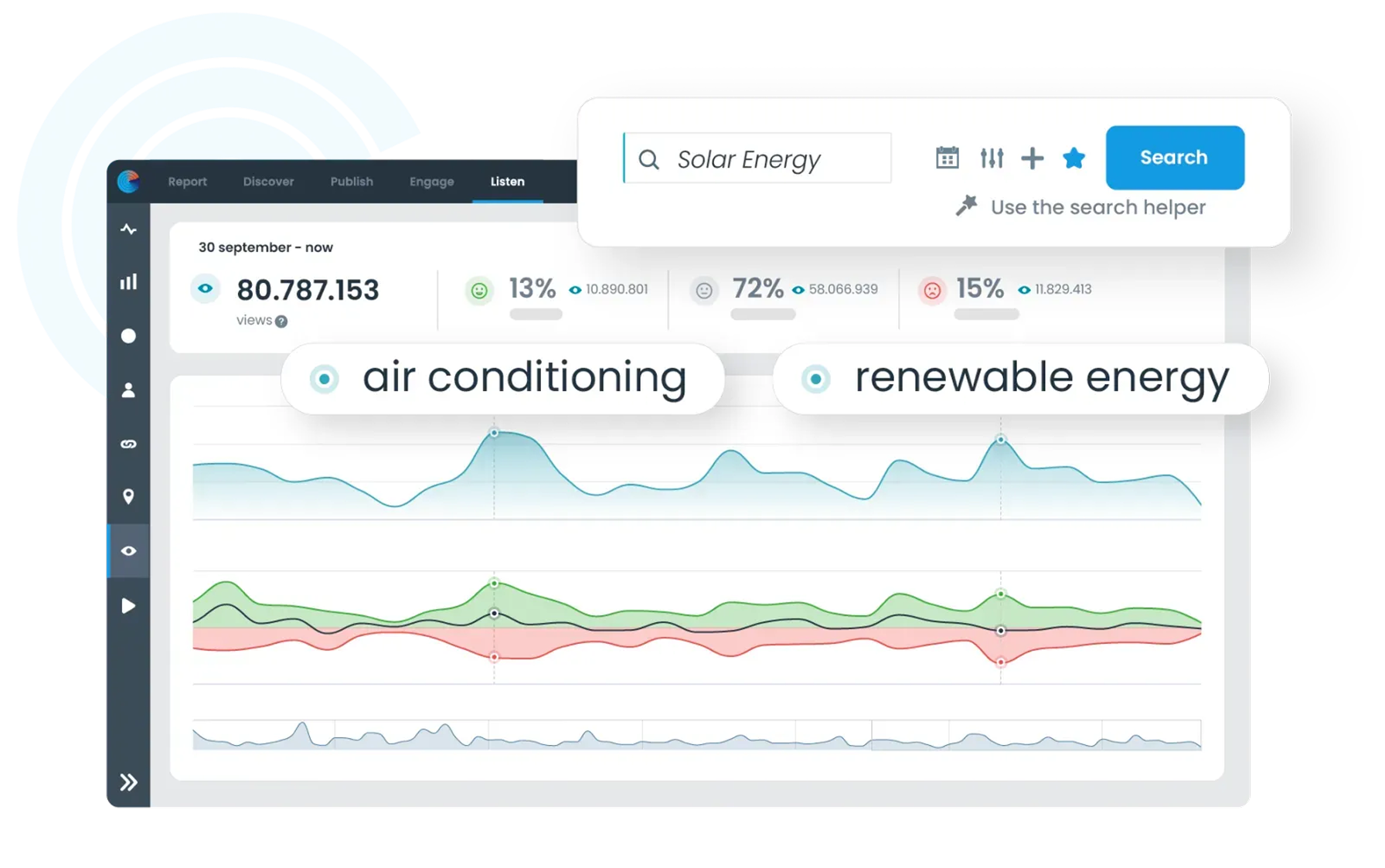
Monitor the organisations, topics and developments that matter to your organisation. Set up your search query with search terms, exclusions and filters, so you can follow relevant posts from different online sources in one place.
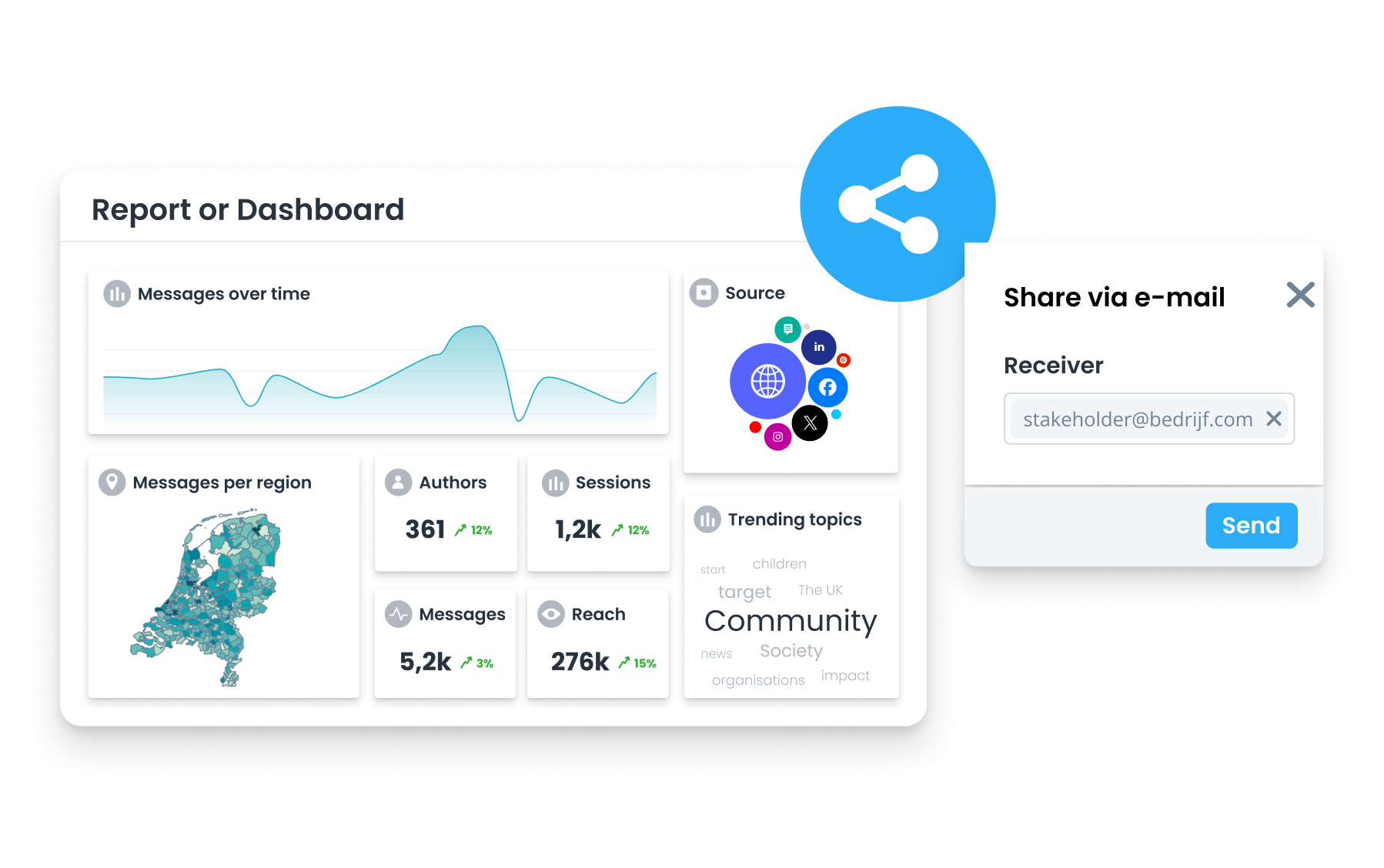
Save your search query and use the same selection for alerts, dashboards, reports and daily overviews. That way, you see how conversations and topics evolve and spot sooner when something changes that needs attention.
Read about social listening

Follow which topics are at play around your organisation and environment, and discover which themes come up more often. Use Trending Topics to spot striking words, hashtags and phrases, and see how the number of posts develops.
Then zoom in on the sources and authors behind the conversation. That way, you can explore relevant topics further, share them internally and include them in dashboards or reports.
Read more about environmental analysis

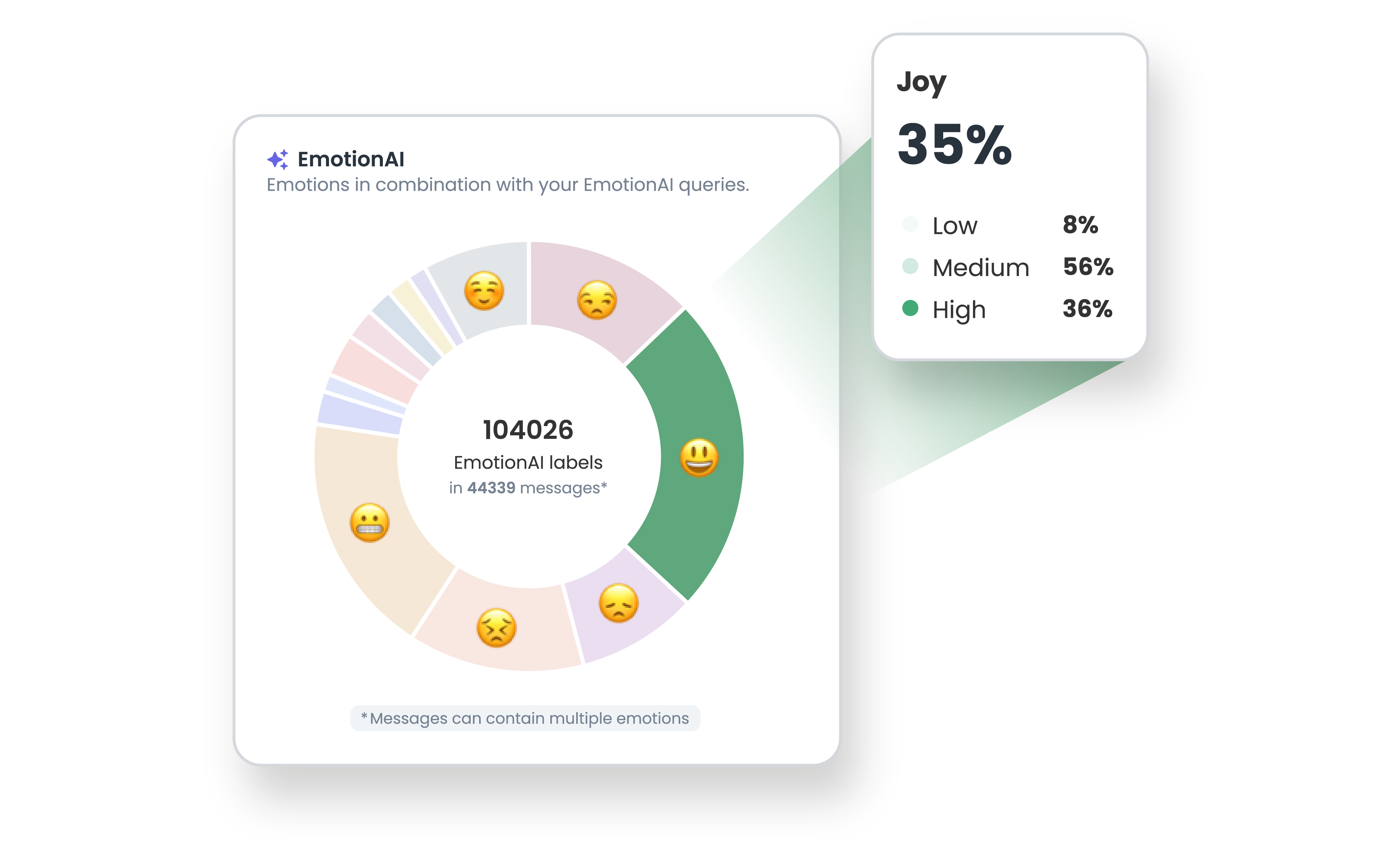
Sentiment shows whether posts are positive, negative or neutral, and how that distribution changes. With EmotionAI, you deepen that analysis with specific emotions, such as frustration, appreciation, concern, joy and sarcasm. You also see how strongly an emotion comes through.
That way, you better understand what's behind a change in the online conversation and which posts or topics need attention.
Read more about EmotionAI


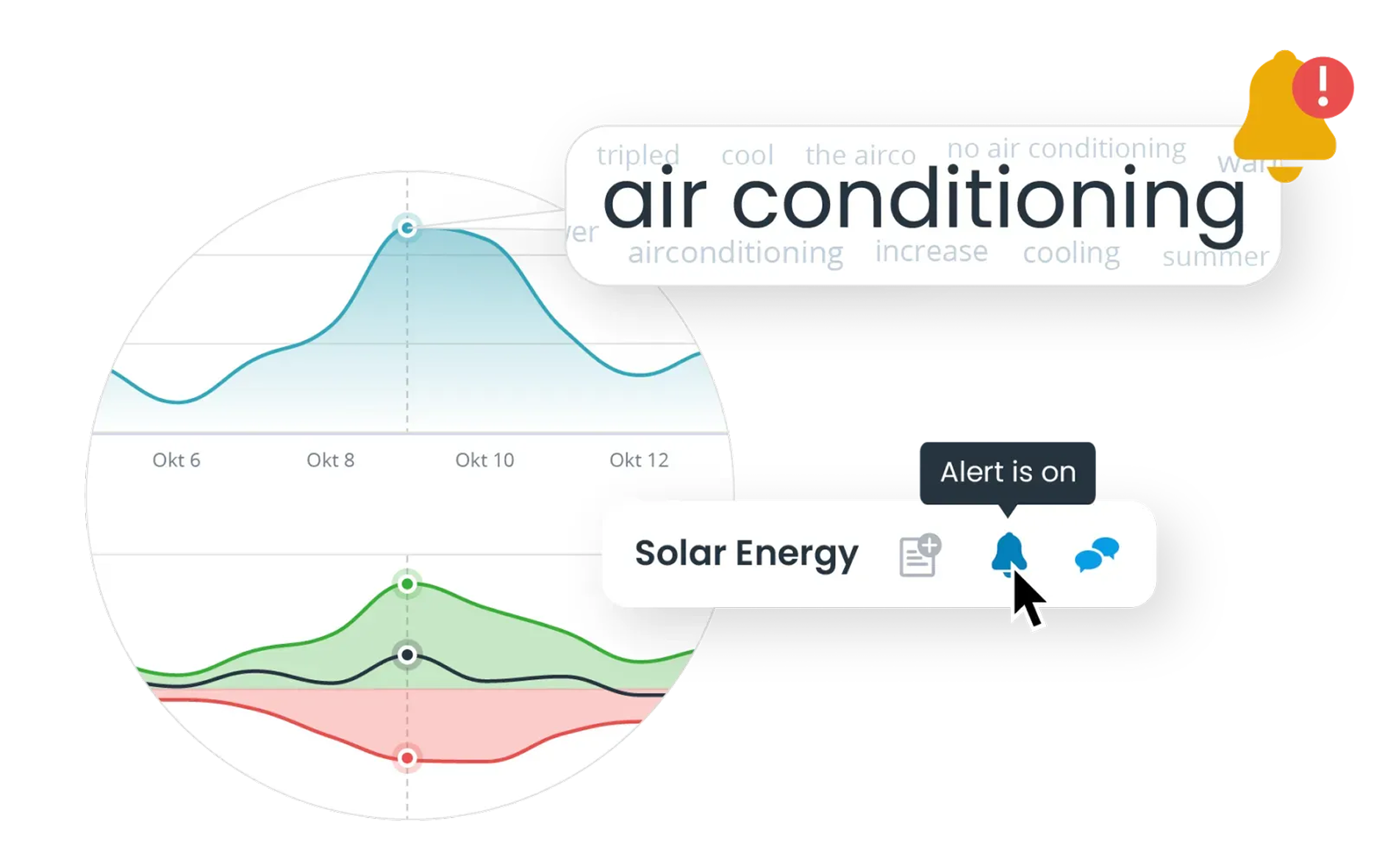
Set up Alerts for saved search queries and get notified of, for example, a rise in the number of posts, a change in sentiment or every new post within a search query.
See straight away which posts are behind the change. That way, in crisis monitoring, you can assess faster what's happening, share relevant information internally and decide whether further monitoring or escalation is needed.
Read 5 tips on crisis communication
Discover the full impact based on potential reach
See which topics are relevant to your brand and are shaping today's conversation
See emotions around your brand, products and themes, including intensity and the reasons behind them.
Get deeper insight into the online dialogue through comments on relevant posts, even when they don't explicitly mention your brand
Understand your audience even better based on sentiment
Find out which social media posts and messages link to your content
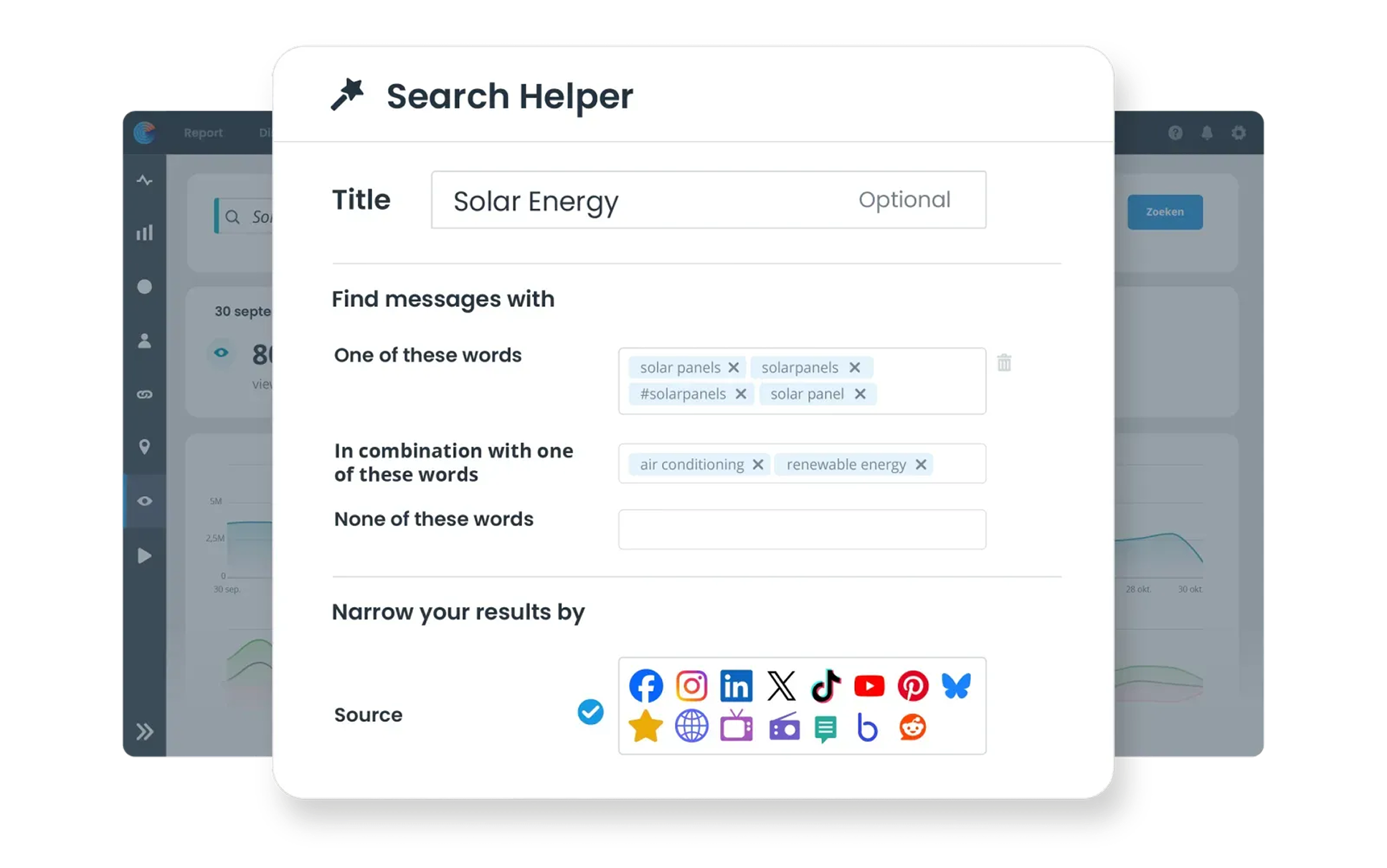
Easily search millions of sources with the Search Helper
Get instant notifications for every mention or relevant post
Keep a close eye on your competitor with social listening
During a personal demo, you'll see how to build a search query in Listen, analyse results and use saved search queries for alerts, dashboards and reports.
Examples of environmental analysis and crisis monitoring.
An explanation of dashboards, reports and daily overviews.
A demo of search queries, sentiment, EmotionAI and alerts.
Advice on using Listen within your organisation.
Online monitoring is tracking online posts about, for example, your organisation, environment or a specific topic. Coosto Listen collects results from social media, online news, blogs, forums and reviews.
You can track posts from social media, online news media, blogs, forums and reviews, among others. The information available differs per source.
Use the Search Helper to add search terms, combinations and exclusions. Then choose the sources and period you want. For more complex queries, you can use search operators.
Yes. You can exclude words, websites, sources and authors, among other things.
You can set up an alert for a saved search query. You receive a notification for new results or when a set threshold, for activity or sentiment for example, is reached.
EmotionAI recognises specific emotions in posts, such as frustration, appreciation and concern. This functionality is an additional add-on to Coosto Listen.
Yes. You can use saved search queries in dashboards, reports, daily overviews, alerts and feeds.
Yes. With Listen, you can track and analyse topics and developments around your organisation and environment.
Yes. With saved search queries and alerts, you can track changes and see which posts are behind them.
Request a personal demo. You'll see how to build search queries, analyse results and use features like alerts, dashboards and reports.